
WiFi vs. Cellular Data: What's the Difference?
Key Takeaways
- WiFi is ideal for fast, stable connections at home or work, while cellular data keeps you connected wherever WiFi can’t reach.
- Cellular data offers greater mobility and security, but WiFi is more battery-friendly and cost-effective for heavy use.
- Using both together gives you the best experience, with strong performance at home and reliable coverage on the go, especially with flexible plans like RedPocket’s.
Ever notice how your phone feels lightning-fast at home, then suddenly acts very different the moment you leave the house? That’s the quiet tug-of-war between WiFi and cellular data, and understanding the difference can seriously change how much you spend, how fast things load, and how connected you feel day to day.
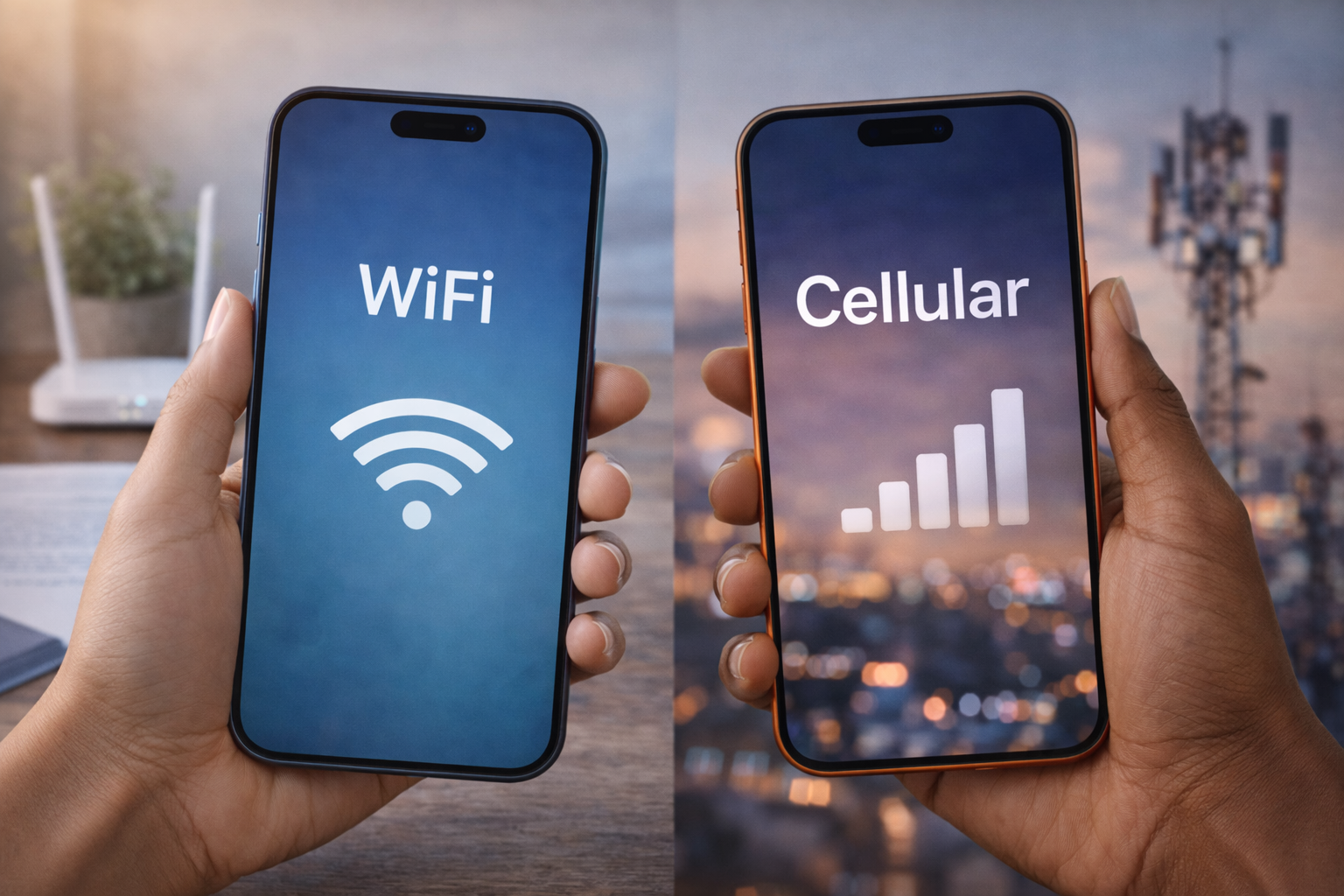
At a high level, WiFi connects your devices through a local router tied to home or public internet, while cellular data connects you directly to mobile networks through cell towers. Both get you online, but they shine in totally different situations.
As a mobile provider built for savvy switchers, we’re big on helping people use each one intentionally so you’re not overpaying, overthinking, or stuck buffering when you don’t have to.
What Is WiFi?
WiFi allows devices to connect wirelessly to the internet through a local router that’s linked to a fixed broadband provider, like cable or fiber. In everyday terms, it’s the connection powering your phone, laptop, TV, and smart home gear when you’re at home, work, or a café.
Because WiFi comes from a physical router, it’s tied to a specific location. Most home networks cover about 150 feet indoors, with walls and floors affecting signal strength. Some WiFi networks are private and password-protected, while others — like those in airports or coffee shops — are public.
One big reason WiFi is so popular is that it typically offers fast speeds and unlimited data, making it a go-to for streaming, video calls, and multiple devices sharing a single connection.
What Is Cellular Data?
Cellular data lets devices access the internet through signals sent from cell towers operated by mobile carriers — no router required. Your phone connects directly to the nearest tower, which is why cellular data works whether you’re driving, walking, or sitting in a park.
Unlike WiFi, cellular coverage isn’t limited to a single building. It can stretch for miles, depending on tower placement and terrain, giving you internet access across cities, highways, and rural areas within a carrier’s service zone.
With modern networks like 5G, cellular data has become much faster and more reliable than it used to be, supporting streaming, navigation, and real-time apps even when you’re far from home internet.
Key Differences Between WiFi and Cellular Data
While both WiFi and cellular data get you online, they differ in how they deliver speed, coverage, cost, and security.
- Speed: WiFi can deliver extremely fast speeds, especially on newer standards like WiFi 6, making it great for streaming and multi-device use in one location. Cellular data has also gotten much faster with 5G, and in strong coverage areas, it can rival home WiFi speeds, but performance depends more heavily on signal strength and network congestion.
- Range: WiFi works within a limited area around a router, usually covering a home, office, or public hotspot. Cellular data connects through cell towers, allowing your device to stay online across cities, highways, and rural areas without being tied to one physical location.
- Cost: WiFi is typically a flat monthly expense as part of a home internet plan, regardless of how much data you use. Cellular data is bundled into mobile plans, which may include data limits, speed thresholds, or unlimited options depending on your carrier.
- Security: Private WiFi networks are secure when properly set up, but public WiFi can expose users to security risks. Cellular data uses built-in network encryption, which makes it a safer choice for sensitive activities when you’re on the go.
This difference is why most people rely on WiFi at home and cellular data everywhere else — the two connections are designed to complement each other, not compete.
Advantages and Disadvantages of WiFi
WiFi shines when you’re settled in one place and need reliable, high-capacity internet for everyday life.
Advantages of WiFi
- Fast, consistent speeds: Home and office WiFi can handle streaming, video calls, gaming, and multiple devices at once without breaking a sweat.
- Unlimited data at home: Most WiFi plans don’t cap usage, which makes them ideal for households that stream, work remotely, or have multiple users online at the same time.
- Cost-effective for families and heavy users: One monthly bill can cover everyone in the house, often at a lower cost per person than individual mobile plans.
Disadvantages of WiFi
- Limited range: WiFi signals weaken through walls, floors, and distance from the router, which can create dead zones.
- Public WiFi security risks: Open networks at cafés, airports, or hotels can expose data if they aren’t properly secured.
- Performance drops with congestion: Too many connected devices or outdated routers can slow things down noticeably.
Advantages and Disadvantages of Cellular Data
Cellular data is built for movement, flexibility, and staying connected beyond fixed locations.
Advantages of cellular data
- Internet access almost anywhere: As long as you’re within network coverage, your phone stays connected.
- Stronger security by default: Cellular networks use built-in encryption, making them safer for banking, navigation, or work on the go.
- True independence from fixed infrastructure: No setup, no passwords, no waiting for a network to load.
Disadvantages of cellular data
- Higher potential cost: Mobile data plans can be more expensive, especially for heavy usage or multiple lines.
- Speed variability: Performance depends on coverage strength, congestion, and location.
- Plan limits and restrictions: Some plans include data caps, throttling, or roaming fees depending on where and how you use them.
When To Choose WiFi
WiFi is the better option when you’re staying put and need stable, high-capacity internet.
Choose WiFi when you’re:
- At home, at work, or in a trusted location
- Streaming movies or shows in HD or 4K
- On long video calls or virtual meetings
- Downloading large files or software updates
- Trying to conserve mobile data on a limited plan
In short, WiFi is your go-to for bandwidth-heavy tasks and predictable daily use.
When To Choose Cellular Data
Cellular data steps in when flexibility matters more than location.
Choose cellular data when you’re:
- Traveling, commuting, or running errands
- Navigating with maps or ride-share apps
- Sharing photos or videos in real time
- In rural areas or places without reliable WiFi
- Avoiding public WiFi for security reasons
Security Considerations for WiFi and Cellular Data
Security depends a lot on where and how you’re connected.
WiFi security
- Home WiFi is generally safe when it’s protected with modern encryption like WPA3 and a strong password.
- Public WiFi is riskier because open or shared networks can expose your data to other users on the same connection.
- Smart habits matter: avoid logging into banking apps or entering sensitive information on public WiFi, and stick to trusted networks whenever possible.
Cellular data security
- Cellular connections use built-in AES-256 encryption, which helps protect data as it travels between your device and the network.
- Because the connection is direct to the carrier’s network, cellular data is often safer for sensitive tasks like payments, navigation, or work on the go.
Quick security checklist
- Home WiFi + strong password → safe for everyday use
- Public WiFi → fine for browsing, avoid sensitive logins
- Cellular data → best option for private or secure activity outside the home
How Speed and Coverage Differ Between WiFi and Cellular Data
Speed and coverage are where these two really separate.
Speed
- WiFi 6 can reach speeds of up to 9.6 Gbps under ideal conditions.
- 5G cellular can hit speeds up to 10 Gbps in optimal environments.
- Real-world performance varies based on congestion, distance, obstacles, and network quality — so actual speeds are often lower than the headline numbers.
Coverage
- WiFi works within a limited area, usually about 150 feet indoors, and weakens through walls or floors.
- Cellular data covers much larger areas, often spanning miles depending on tower placement and terrain.
Battery Usage: WiFi vs. Cellular Data
Your connection choice also affects how fast your battery drains.
- Cellular data uses more power, especially when signal strength is weak. Your phone has to work harder to stay connected to distant towers.
- WiFi is more energy-efficient, particularly when you’re close to the router and the signal is strong.
- Constantly switching between weak cellular signals can noticeably shorten battery life.
Battery-saving tips
- Use WiFi whenever you’re home or at work.
- Turn off cellular data in low-signal areas if WiFi is available.
- Enable battery optimization settings for apps that constantly use data.
Combining WiFi and Cellular Data for Best Connectivity
The smartest setup usually isn’t choosing one — it’s using both together.
Most smartphones automatically prioritize WiFi to conserve mobile data, then switch seamlessly to cellular when WiFi drops. That handoff keeps you connected without manual effort.
Why a hybrid approach works
- WiFi handles heavy usage at home or work.
- Cellular data fills the gaps when you’re moving, traveling, or outside WiFi range.
- Mobile hotspots or MiFi devices can extend this flexibility to laptops and tablets.
For travelers, remote workers, or busy families, combining WiFi with a flexible cellular plan delivers the best balance of cost, reliability, and freedom. RedPocket’s multi-network coverage makes that handoff smoother — so your connection adapts as easily as your day does.
Frequently Asked Questions
What is the fundamental difference between WiFi and cellular data?
WiFi connects your device to the internet through a nearby router tied to a fixed broadband connection, while cellular data connects through cell towers operated by mobile carriers.
Which connection is faster, WiFi or cellular data?
WiFi is usually faster and more consistent at home or work, but 5G cellular can match or even beat WiFi speeds in strong coverage areas.
Does using cellular data drain battery faster than WiFi?
Yes. Cellular data typically uses more battery, especially when your phone is working harder to maintain a connection in low-signal areas.
Is cellular data more secure than WiFi?
Cellular data is generally more secure thanks to built-in network encryption. Public WiFi can be risky if it isn’t properly secured.
Can I use both WiFi and cellular data on my device at the same time?
Your phone automatically prioritizes WiFi when it’s available and switches to cellular data when WiFi drops, so you stay connected without thinking about it.
Sources:
What Is the Range of a Typical Wi-Fi Network?
Definition of cellular data | PCMag
Wi-Fi vs cellular: An essential comparison guide | Hologram
Advanced Encryption Standard (AES) | GeeksforGeeks