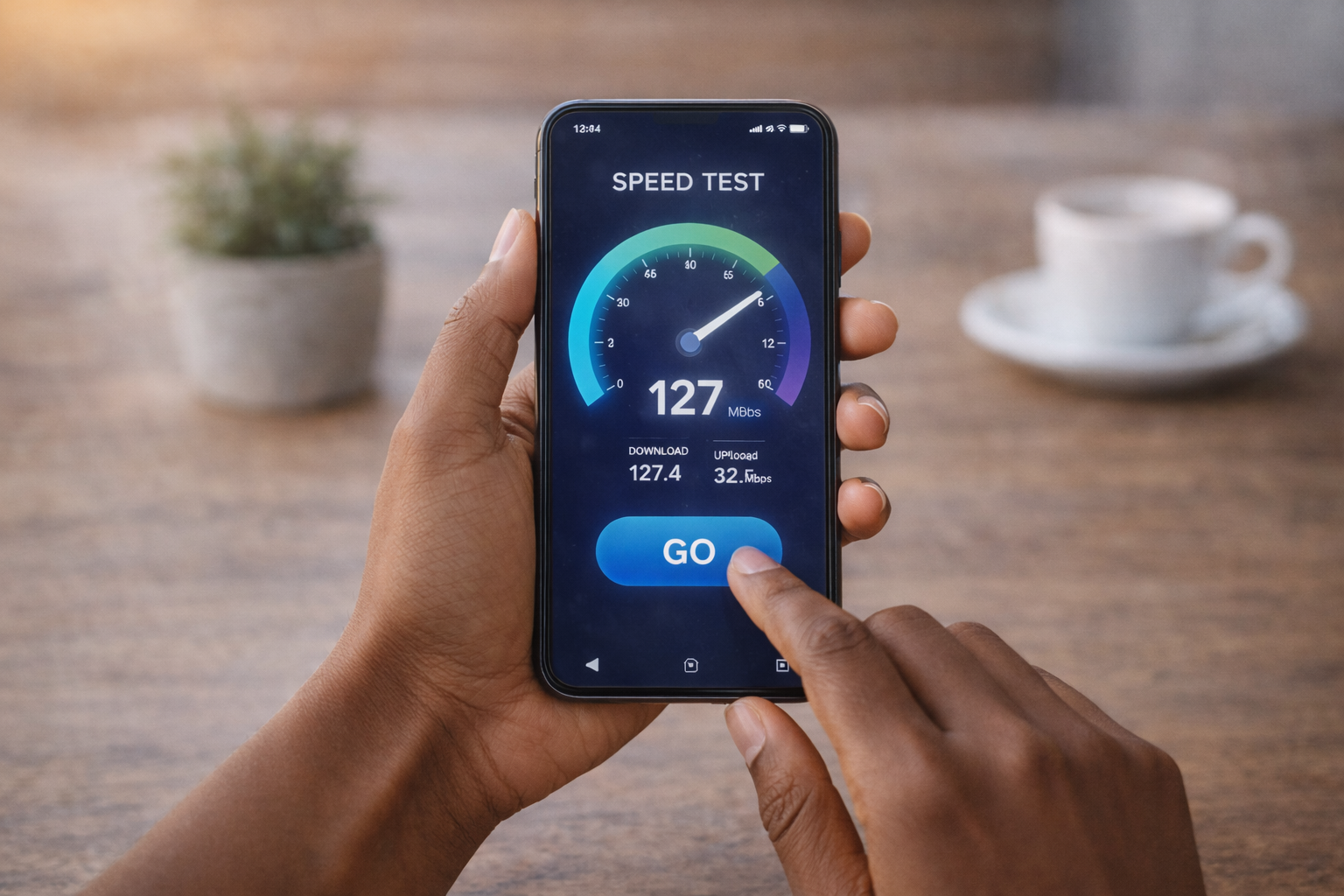
What Uses Data on a Cell Phone? Top 5 Data Drains
Key Takeaways
- Video streaming and social media are the biggest everyday data users, especially when apps auto-play or default to high quality.
- Background activity, like navigation, video calls, and updates, can quietly add up, even when you’re not actively using your phone.
- Small habit changes, like using Wi-Fi for downloads and adjusting app settings, can significantly reduce mobile data use without sacrificing convenience.
Mobile data is the wireless internet connection your phone uses to load apps, stream content, and sync information when you’re not connected to Wi-Fi. Nearly everything that refreshes, loads, or plays online uses it.
If you’ve ever gotten that “you’re almost out of data” message and thought, “How did that happen already?” you’re not alone. Most people underestimate how many everyday phone habits quietly use mobile data.
And here’s the thing: faster networks like 5G make everything feel instant, but that speed also makes it easier to burn through data without realizing it. Video, background activity, and automatic downloads are the biggest culprits.
Interested in discovering more? Your friends here at RedPocket have your back. Let’s walk through the five biggest data drains, so you know exactly where your data is going and what to do about it.
1. Video Streaming
Video streaming is usually the biggest data drain because video files are large, and they’re delivered continuously while you watch. The higher the quality, the more information your phone has to download every second.
Typical video data use:
- Standard definition: about 0.7–1 GB per hour
- High definition: about 2–3 GB per hour
- 4K streaming: up to 7 GB per hour
A lot of people don’t realize that many apps automatically adjust quality based on connection speed. If your signal is strong, the app may jump to HD or higher without asking, which can burn through data faster than expected.
Helpful ways to control streaming data:
- Set streaming quality to “Data Saver” or “Standard” in apps like Netflix or YouTube
- Download shows and movies on Wi-Fi before commuting or traveling
- Turn off cellular playback in apps you don’t need to watch on the go
Even lowering quality one step often cuts data use in half while still looking perfectly fine on a phone screen.
2. Real-Time Audio and Video Calls
Audio and video calls use a steady stream of data because information is being sent and received at the same time. Unlike browsing, where data comes in bursts, calls maintain a constant connection the entire time.
VoIP, or Voice over Internet Protocol, means your calls are being carried over the internet instead of a traditional voice network. Apps like FaceTime, Zoom, WhatsApp, and Teams all work this way.
Typical usage:
- Audio calls: about 0.5–1 MB per minute
- Video calls: roughly 5–8 MB per minute
That may not sound like much at first, but a long video call or multiple meetings in a day can quietly add up.
Ways to reduce usage without affecting call quality too much:
- Use Wi-Fi for longer calls whenever possible
- Turn off video if you don’t need it on
- Close unused apps so your phone isn’t handling extra background traffic
These small adjustments can make a noticeable difference, especially if you work remotely or video chat often.
3. Social Media Feeds With Auto-Play Video
Social media apps are designed to keep content flowing continuously, which means they’re often loading photos and videos before you even tap them. That preloading makes scrolling smooth, but it also uses data in the background.
Apps that tend to use the most data:
- TikTok
- Snapchat
- YouTube Shorts
Auto-play video is the biggest factor here. Even a few minutes of scrolling through short videos can use more data than checking email or browsing websites.
Simple ways to reduce social media data:
- Turn off auto-play videos in app settings
- Enable “Data Saver” or “Low Data Mode” where available
- Limit background refresh so apps only load when opened
These changes don’t affect your ability to use the apps, but they slow down how aggressively content loads, which helps your data last longer.
4. Navigation and Live Maps
Navigation apps use smaller amounts of data at a time, but they use it continuously while you’re driving. Every time traffic updates, routes adjust, or maps refresh, your phone is pulling new information.
Apps like Google Maps, Apple Maps, and Waze rely on:
- Map tile downloads
- Traffic updates
- Route recalculations
Short trips usually don’t use much data, but long drives or daily commuting can add up over time.
Ways to reduce navigation data use:
- Download offline maps for areas you travel frequently
- Load directions while on Wi-Fi before leaving
- Close the app once you arrive so it stops refreshing in the background
Offline maps are especially helpful for road trips, since they reduce both data usage and the risk of losing directions in low-signal areas.
5. App Updates and Large Downloads
App and system updates don’t happen every day, but when they do, they often require large downloads. A single update can use hundreds of megabytes or even several gigabytes.
Typical sizes:
- Social or productivity app updates: 50–200 MB
- Large games: 500 MB to several GB
- iOS or Android updates: 1–5 GB
Phones sometimes download updates automatically in the background, which means you may not notice until your data usage jumps.
Helpful ways to manage updates:
- Set app and system updates to Wi-Fi only
- Review update sizes before installing
- Schedule large downloads for times when you’re connected to home Wi-Fi
Checking this one setting alone prevents many surprise data spikes.
Frequently Asked Questions
What apps typically use the most data on my phone?
Video streaming apps, social media platforms with auto-play video, navigation apps, video calling tools, and cloud backups are usually the biggest data users.
Why does my phone use data in the background even when I’m not using apps?
Apps refresh content, sync files, check for updates, and send notifications in the background, which can consume data throughout the day.
How much data does streaming video or music usually consume?
Video streaming can range from about 700 MB per hour in standard definition to as much as 7 GB per hour in 4K, while music streaming typically uses around 100–150 MB per hour.
How can I check which apps are using the most mobile data?
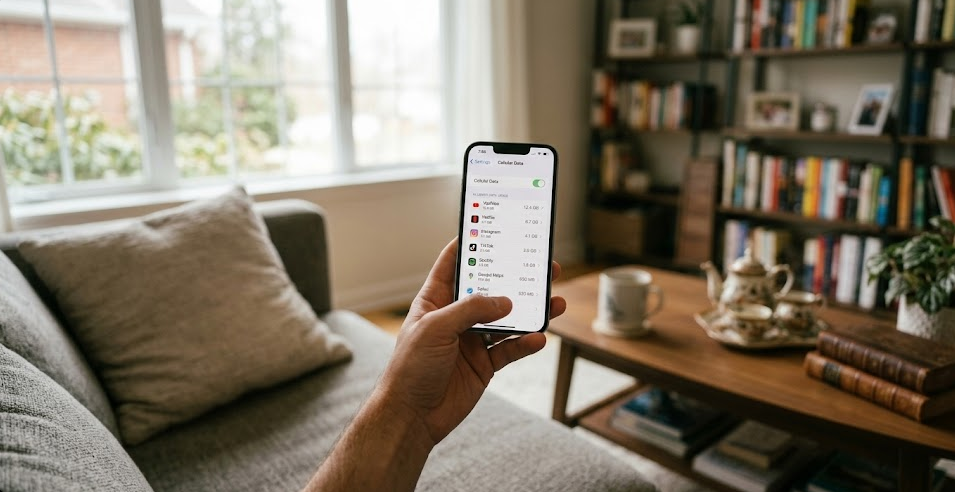
Open your phone’s settings, go to Cellular or Mobile Data, and review usage by app to see which ones consume the most data.
What steps can help me reduce unexpected mobile data usage?
Use Wi-Fi whenever possible, enable data saver modes, disable auto-play video, turn off background refresh for non-essential apps, and monitor usage regularly.
Sources:
The apps that are draining your data more than you think | Open Access Government
Voice Over Internet Protocol (VoIP) | Federal Communications Commission
Social media apps are 'deliberately' addictive to users | BBC